Frequently asked questions about a smart home without fibre
Answers to the questions we hear most, from data use and heat pumps to Home Assistant and power cuts.
Connection and data
Can I run a smart home without fibre or a landline?
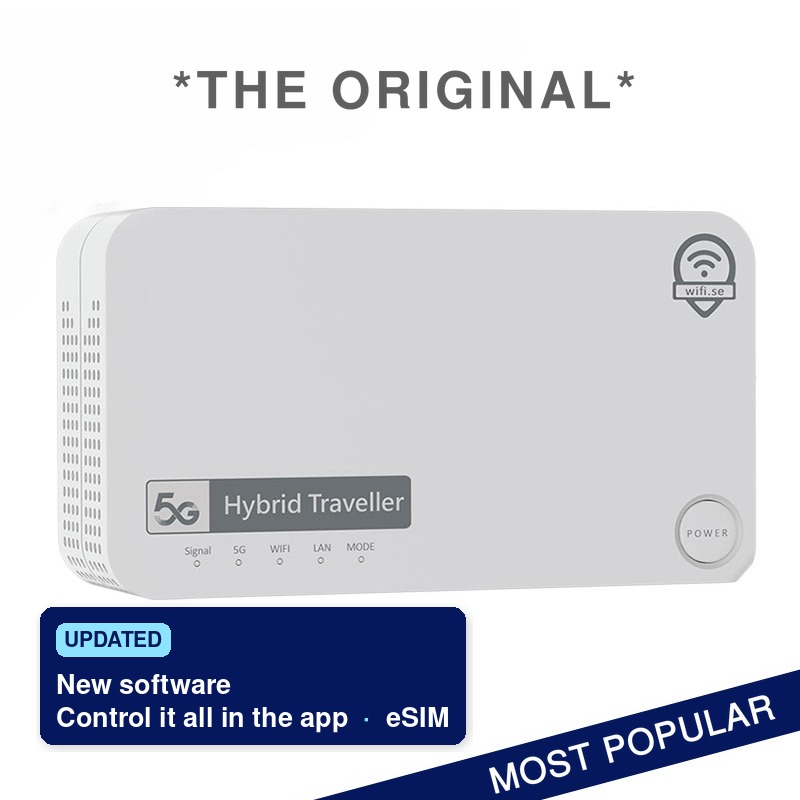
Yes. The devices need internet, not fibre. A 5G router with its own data gives the house the same kind of connection as fixed broadband, and the heat pump, the cameras and the hub connect to the router’s wifi. Hybrid Traveller suits most houses.
Does the smart home still work if the internet goes down?
Partly. Devices built on Matter carry out commands over the home network, so they can keep working inside the house. But you cannot reach them from elsewhere, and you get no notifications, until the connection is back.1 Devices that only work through the maker’s cloud service stop responding altogether.
How much data does a security camera use?
It depends almost entirely on the settings. Arlo states an average of 850 MB a month for its 4G camera Arlo Go,3 and eufy estimates around 700 MB a month for the 4G LTE Cam S330.4 A camera that uploads video around the clock uses many times more. Record locally to a memory card and let the camera send short clips, and your data goes furthest.
Which SIM card should I use in the router?
The routers are sold without a SIM, so you choose. We sell roaming SIM cards and eSIM for Europe: you order the SIM, activate it when it suits you and choose the data pack in My Pages.9 You can also use a data SIM from an operator in the country where the house is.
Can I take the router with me?
Hybrid Traveller, yes. It is portable, with a battery, so the same router can be used in the holiday home, at home or on the road.7 Wifi Performance 5G is designed for a fixed installation.
Heating, cameras and hubs
Can I control the heat pump or air conditioning over mobile broadband?
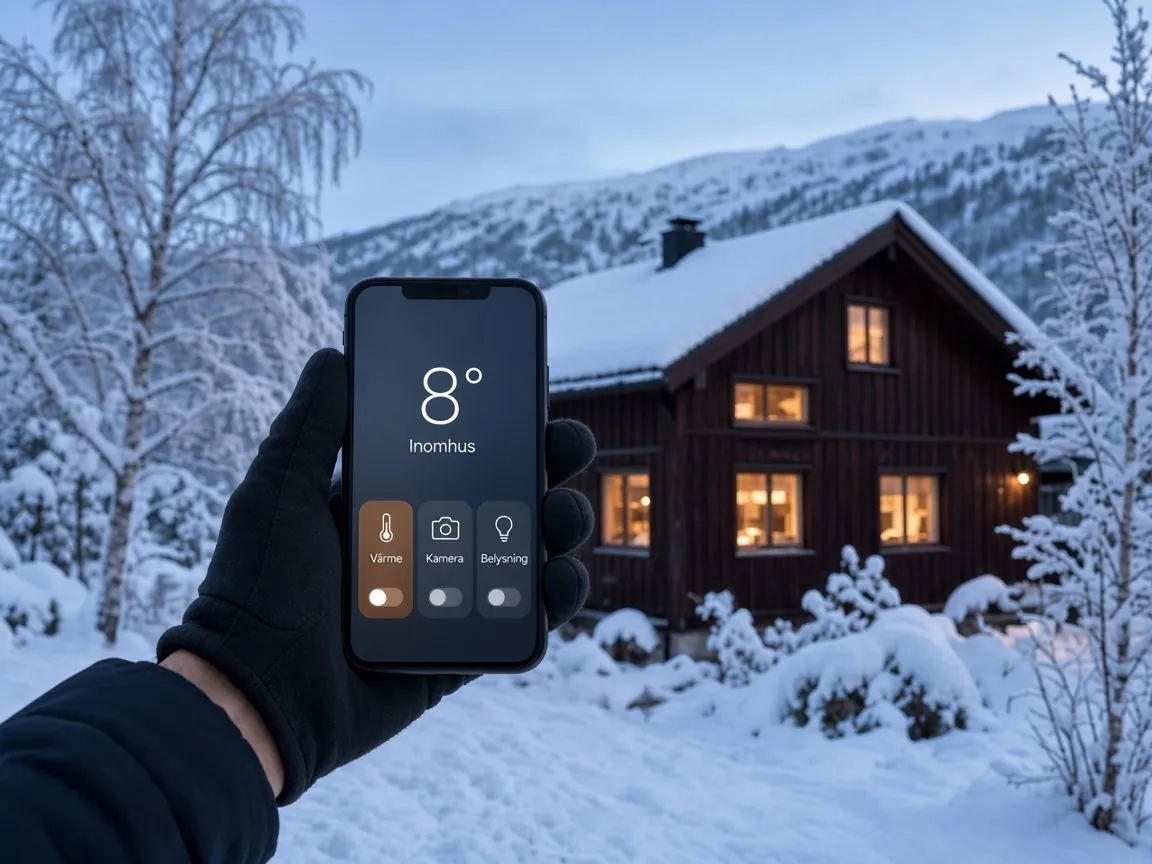
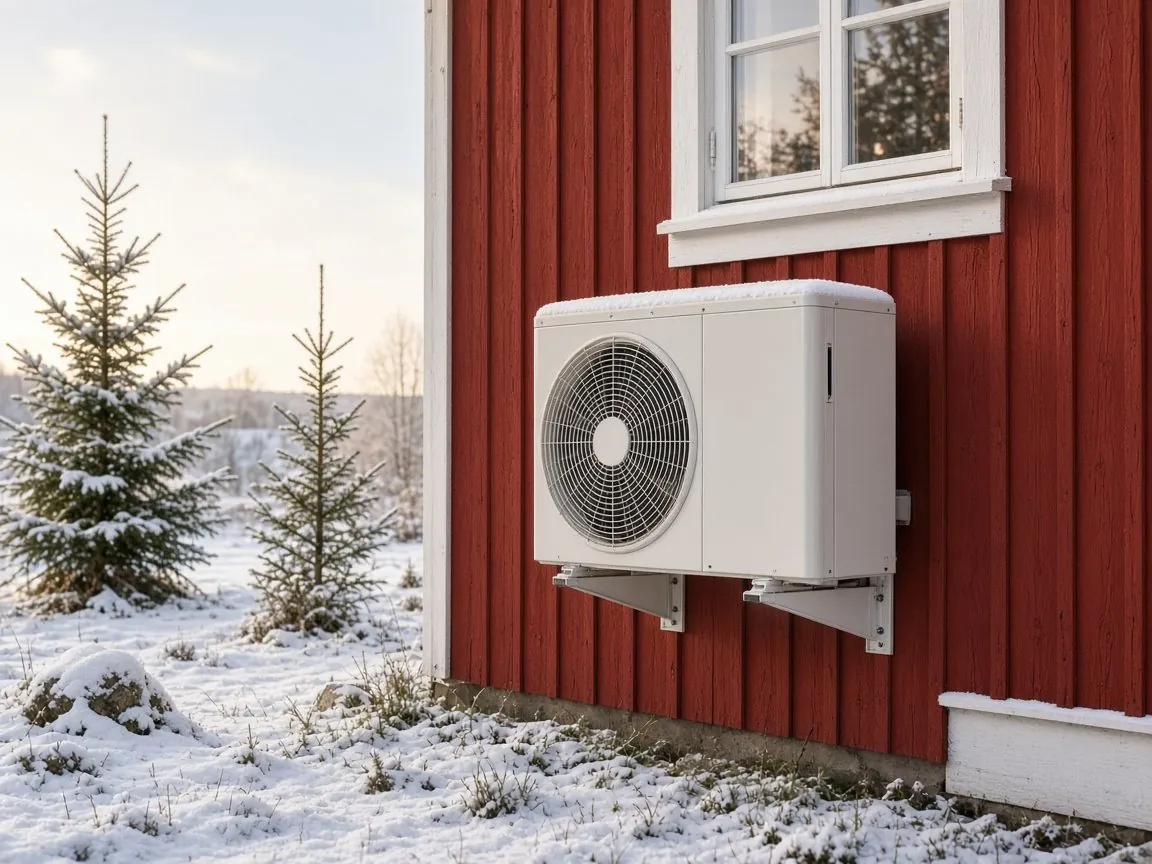
Yes, as long as it is connected to wifi. The unit joins the router’s network and you control it in the maker’s app, just as you would at home. Daikin’s Onecta app is one example.2
Do I need a hub for my smart home?
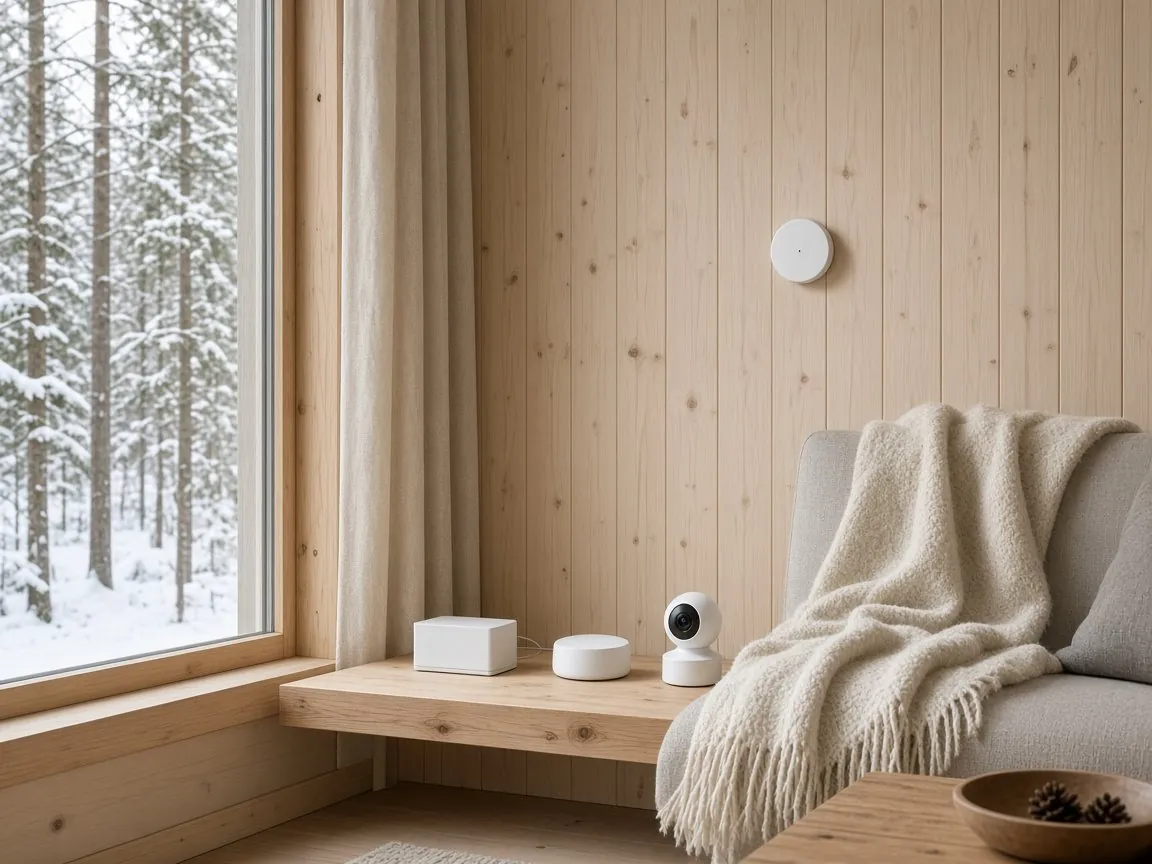
It depends on the devices. Wifi devices manage without a hub. Zigbee and Z-Wave devices, such as many sensors, lights and locks, need a hub or controller, and Matter devices need a hub in the house if you want to control them when you are away.1 You then connect the hub to the router.
What are Matter and Thread?
Matter is a common standard that lets devices from different makers work in the same system, for example Google Home and Apple Home. Matter devices communicate over wifi, Ethernet or Thread, a low-power mesh network built for smart devices. Thread devices need a so-called border router in the house.1
Can I reach Home Assistant remotely over mobile broadband?
Yes. By default, Home Assistant can only be reached on your own network. The simplest way to reach it from outside is Home Assistant Cloud, which gives remote access without opening ports in the router. Another is a VPN service such as Tailscale. Port forwarding, on the other hand, requires a public IP address of your own, and many internet providers share addresses between customers.5
Power, heat and several buildings
What happens if the power goes at the house?
Hybrid Traveller has a built-in battery that keeps the router running for up to eight hours.7 Cameras and alarms with batteries of their own can then still send word to your phone. Anything that runs from the mains switches off until the power is back.
Can the router cope with heat or frost in an empty house?
If the router is to stay in a house that gets very hot in summer or cold in winter, Wifi Performance 5G is the safe choice. It has an aluminium casing and is built for temperatures from −40 to 75 °C.8
How do I get a network to the guest house or the pool house?
Wifi Performance 5G has five Gigabit Ethernet ports.8 From there you can run a network cable to an access point in the next building. If the buildings are far apart, tell us about the plot and we will help you find a solution.
Do I need an external antenna?
Usually not. Hybrid Traveller has powerful built-in antennas, so most houses manage without a roof antenna.7 Wifi Performance 5G comes with patch antennas that do not require drilling.8
Cost, security and help
What does it cost?
The router is a one-off purchase: Hybrid Traveller costs €495 and Wifi Performance 5G €695. No SIM card is included. The data you buy separately, either as a pack on one of our roaming SIM cards or from a local operator.
Can several houses share one router?
No, each house needs a router of its own with its own data. If you let or manage several houses, we will help you choose routers for all of them.
Is it safe to have cameras and locks online?
Yes, if you set them up properly. The UK’s National Cyber Security Centre advises changing any default password, turning on two-step verification where it is offered and installing updates.6 In Hybrid Traveller the software updates automatically, and you change the wifi name and password in the app.
Can I get help getting started?
Yes. Our support team helps you by phone and email. If you want priority help with installation, settings and smart devices, there is Wifi.se Trygghet+ for €95. It is optional and only added if you choose it yourself.
Further reading: internet in the holiday home, the Hybrid Traveller Connect app, wifi in the motorhome and a 5G router on the boat.