Smart home, holiday home and house abroad

Smart home for your house abroad: control it from wherever you are

The villa in Spain, the farmhouse in France, the cabin by a lake in Poland. Houses like these stand empty for weeks at a time, and that is exactly when you want to know what is going on. Turn the heating or the air conditioning on before you arrive. Get a notification when someone walks up the drive. Hear about a leak before it reaches the floor. All of it rests on one thing that is easy to forget: the house has to be online around the clock, even when nobody is there.

Many holiday homes have no fixed broadband, and few owners want to pay for a line all year for a house they use a few months at a time. A 5G router solves that. Wifi.se sells two 5G routers, Hybrid Traveller and Wifi Performance 5G, and helps you get started. The data you choose yourself: one of our roaming SIM cards and eSIM for Europe, or a data SIM from a local operator.

Choose a router What can I control? Contact us

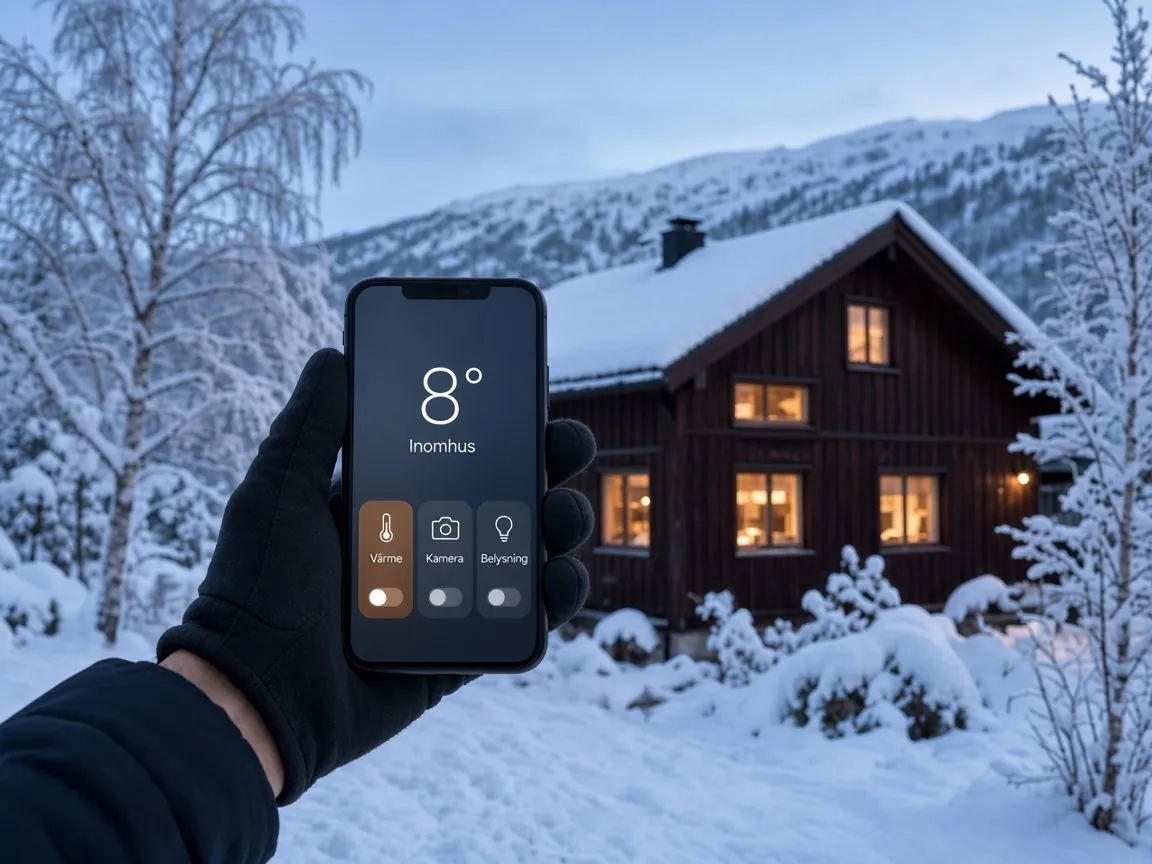
Mountain cabin in the snow at dusk, with a phone showing eight degrees indoors in a smart home app

Customers on Trustpilot rate Wifi.se 4.5 out of 5, based on 1,949 reviews (November 2026).

In short: what does a smart home need when there is no fibre?

A connection that stays on day and night. Where there is no fixed line, a 5G router does the job. The heat pump, the cameras and the alarm join the router’s wifi, and you control them in their apps as usual. Our portable 5G router Hybrid Traveller costs €495, and Wifi Performance 5G, built for tougher conditions, costs €695. The routers are sold without a SIM card, so you are free to choose the data.

First, the router: it is what keeps the house online

Every smart device in the house depends on the router. When it is online, you can reach the heating, the cameras and the sensors from anywhere. When it is not, the house goes quiet. We offer two routers, and the choice depends on the house.

Portable 5G router

Hybrid Traveller, for most homes

Hybrid Traveller has powerful built-in antennas, so most houses need no roof antenna. Its battery keeps the network up for up to eight hours if the power goes, and you control the router in our own app. It takes both a physical SIM and eSIM, and it can travel with you between home and the holiday house. €495.7

Fixed 5G router

Wifi Performance 5G, for tough conditions

Wifi Performance 5G has a solid aluminium casing and is built for temperatures from −40 to 75 °C, which suits a house that is cold in winter or hot in summer. It has five Gigabit Ethernet ports and comes with patch antennas and a full cable kit, so you do not need to drill holes for a roof antenna. €695.8

And then the data, as an option. We also sell roaming SIM cards and eSIM for Europe. You order the SIM, activate it when it suits you and choose your data pack in My Pages.9 Because the routers are sold without a SIM, a data SIM from an operator in the country where the house is works too.

What you can control from home

Most of what makes a house smart can be reached from your phone, as long as the house is online. These are the things owners use most.

Heating and cooling

Heat pump and air conditioning

Many heat pumps and air conditioners can be controlled from the maker’s app once they are connected to wifi. Daikin’s Onecta app, for example, lets you set temperatures and schedules from your phone.2 Warm the house up, or cool it down, the day before you arrive.

Cameras

The garden, the pool and the drive

The camera sends a notification when something moves, and you watch live in the app. Many cameras record to a memory card and only upload short clips, which saves data.

Alarms and sensors

Water, smoke, frost and doors

Leak sensors, temperature sensors, smoke alarms and door contacts cost little and report straight to your phone. In a house that stands empty, they often do the most good.

Lights and plugs

A house that looks lived in

Let the lights come on in the evening while you are away, so the house looks occupied. A smart plug can switch off the appliance you are not sure you turned off.

Locks and access

A code of its own for every visitor

With a connected lock, the cleaner, the gardener or a guest gets a code of their own, and the app shows when the door was opened. Useful when you let the house, or when someone needs to check on it.

Garden and water

Irrigation and pool pump

Smart timers and plugs can run the irrigation or the pool pump on a schedule, and let you change it from home when the weather turns.

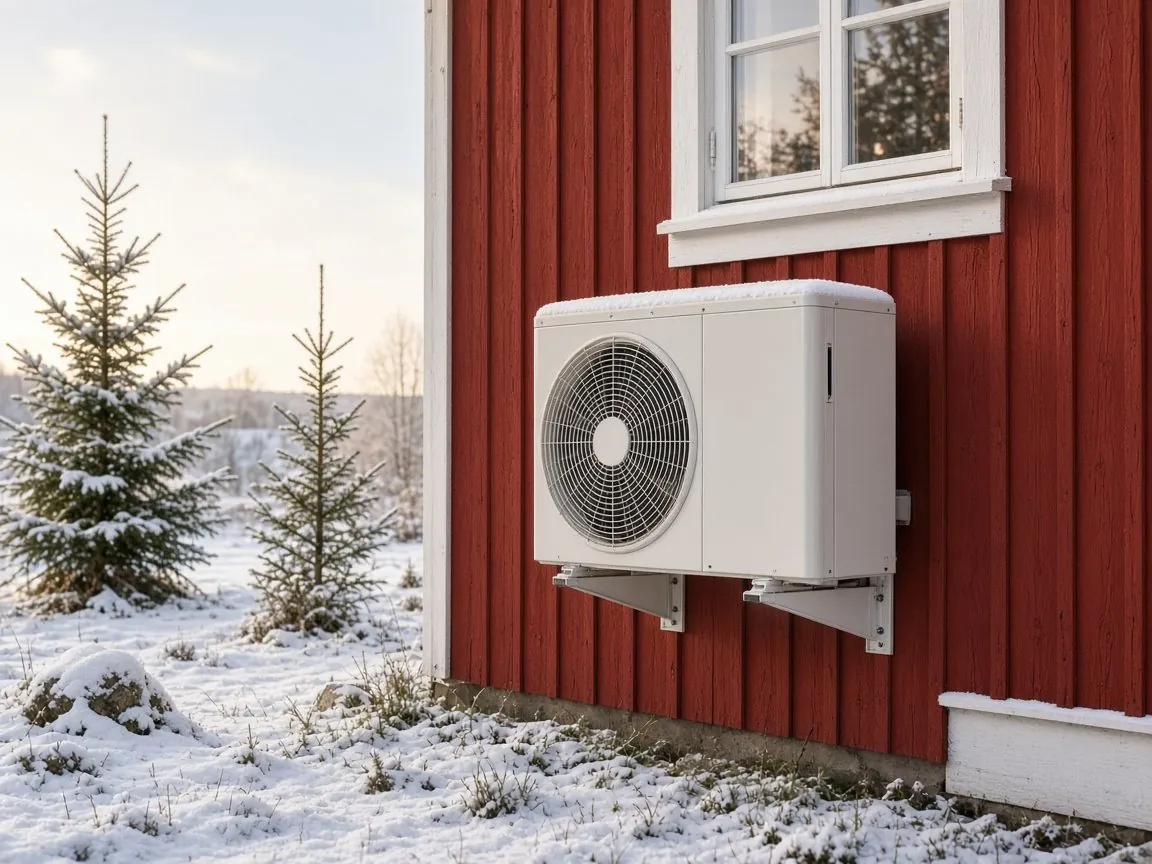
Air-to-air heat pump on the wall of a red wooden house on a winter day

Why the connection has to stay on

A smart home works in one of two ways. Either the devices talk directly to the maker’s cloud service, or they gather in a hub in the house, such as Home Assistant, Apple Home or Google Home. Google explains that devices built on the Matter standard carry out commands over the home network, without going through the cloud, and that you need a hub in the house to control them when you are away.1 Whichever way your devices work, something in the house has to be in touch with the internet for you to reach it from elsewhere.

That is why sharing the connection from your phone is not enough: the network leaves with you. A router with its own data stays behind and keeps the house in touch while you are gone.

How much data does a smart home use?

Less than most people think, as long as the cameras are set up sensibly. Thermostats, sensors, locks and lights send short messages and use hardly any data. Video is what counts, and the settings decide almost everything.

Device What uses data What the makers say
Thermostat, sensors, locks and plugs Short status messages and commands Negligible compared with video
Camera that records on motion Short clips when something happens, and live view now and then Arlo states an average of 850 MB a month for the Arlo Go, usually between 750 MB and 2 GB3Based on about five minutes of recording a day.
4G or wifi camera with short clips Notifications, clips and short live views eufy estimates around 700 MB a month for the 4G LTE Cam S3304With 25 clips and 10 short live views a day.
Camera that streams to the cloud around the clock The whole video stream is uploaded, all the time Many times more than recording on motionRecord locally and upload clips instead.

The figures are the makers’ own estimates for each camera. Your use depends on resolution, how often something moves in front of the camera and how much you watch live.

Worked example

A camera uses less than you might think

At Arlo’s average of 850 MB a month, one camera uses around 10 GB in a year.3 Sensors, the thermostat and the heat pump add very little on top. A data pack of 100 GB therefore covers several cameras with plenty to spare.

If you want to watch a lot of live video, or stream television when you are at the house, choose a larger pack. You will find the current packs on the page about roaming SIM cards and eSIM for Europe.

How to get the house online

No digging and no technician. You choose the router, insert the SIM, switch it on and connect the devices, much as you would with new broadband at home.

  1. Choose the router for the house

    Hybrid Traveller suits most houses and runs for up to eight hours on its battery if the power goes. If the signal is weak, the house gets very hot or cold, or you want to connect a hub or a recorder by cable, choose Wifi Performance 5G.

  2. Insert a SIM or add an eSIM

    Use one of our roaming SIM cards and eSIM for Europe or a data SIM from a local operator. Hybrid Traveller also takes eSIM, which you add in the app by scanning a QR code.7

  3. Connect the devices to the router’s wifi

    The heat pump, the cameras and the hub connect to the router just as they would to ordinary broadband. Their apps reach them through the makers’ cloud services.

  4. Put the router in the right place

    Place it high up, ideally by a window facing the nearest mast. Thick walls and coated glass weaken the signal. Plug it into an ordinary socket, not a timer.

A tip for a house that stands empty. Set the cameras to record on motion, and put a temperature sensor where problems start first, often by the water meter or in the basement.

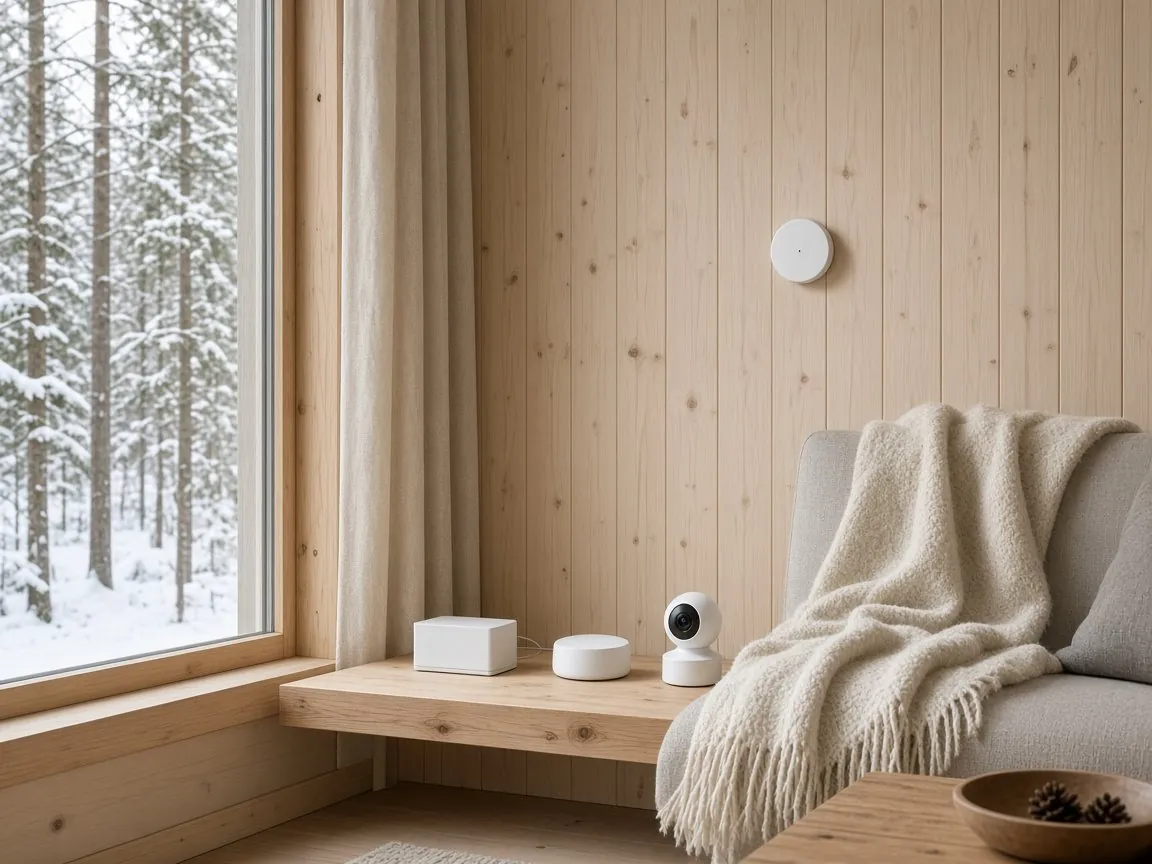
Router, hub and indoor camera on a shelf in a cabin, with a temperature sensor on the wall

Row of black holiday cabins by a lake on a summer evening

For one house, or for many

The same routers work for someone keeping an eye on a single holiday home and for those who look after many houses.

Private

Your holiday home or second home

A router and data, and you have the heating, the cameras and the alarm on your phone. Hybrid Traveller is portable and can come home with you after the season. Read more about internet in the holiday home.

Business

Rentals, property managers and installers

Do you let holiday homes, manage houses for owners abroad or install heat pumps, cameras and alarms? Then the connection can be part of what you deliver. We help you with routers for several houses. Get in touch and tell us about the houses.

Our portable 5G router

Hybrid Traveller, the router that stays when you leave

Hybrid Traveller was developed to Wifi.se’s own requirements, with our own software and our own app. In the app you can see that the router is online, how much battery is left and whether it is on 4G or 5G. The software updates automatically, so the router in the holiday home runs the latest version even when you are not there.7

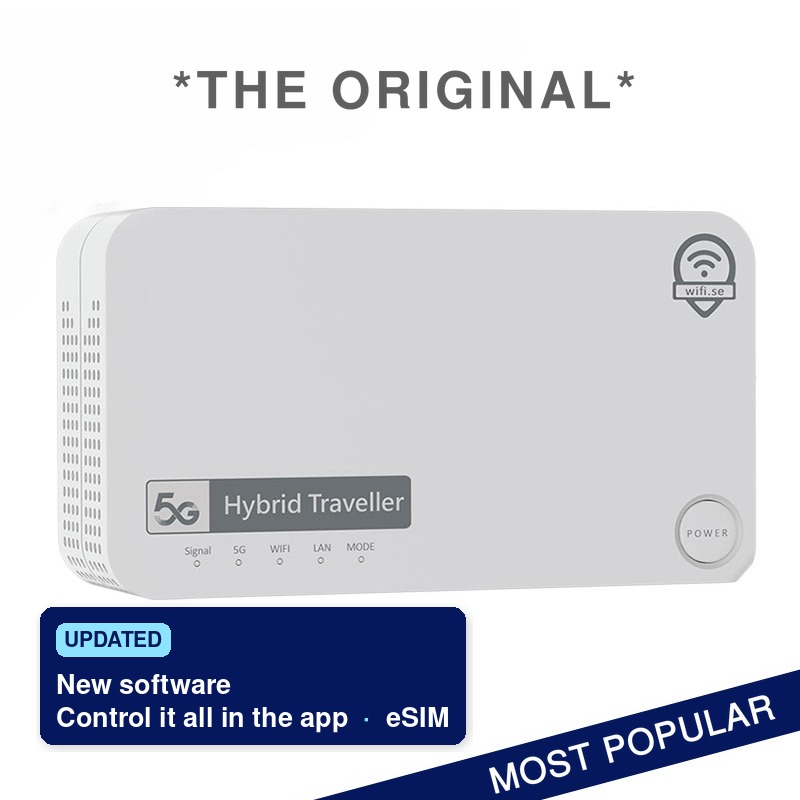
Hybrid Traveller 5G router, updated with new software, its own app to control the router and eSIM

Why our customers choose Hybrid Traveller

✓ Fast 5G connection

✓ Up to 8 hours of battery life

✓ Powerful built-in antennas

✓ No roof antenna needed in most cases

✓ Supports both physical SIM and eSIM

✓ eSIM added easily with a QR code and the app

✓ Portable and stationary use

✓ Keeps the house online through power cuts for up to 8 hours

✓ Developed with our own optimised software

Control your router with the Hybrid Traveller Connect app

Hybrid Traveller now has its own free app for iPhone and Android.

  • Proprietary software developed by Wifi.se
  • Control your router right from your phone
  • Keep an eye on the battery level
  • See your mobile operator and whether you are on 4G or 5G
  • Switch operator when roaming abroad
  • Change your WiFi name and password
Download on the App Store
Get it on Google Play
Go to Hybrid Traveller Go to Wifi Performance 5G

Routers and prices

You buy the router once. The data you choose to match the number of cameras and how much the house is used. No SIM card is included in the router packages.

Product When it fits Price now
Hybrid Traveller, portable 5G router For most houses. Built-in antennas, eSIM, app and up to eight hours of battery. €495
Wifi Performance 5G, fixed 5G router For weak signal, heat or frost, or when a hub and recorder are connected by cable. Five Gigabit Ethernet ports, patch antennas included. €695
Roaming SIM and eSIM for Europe Optional. Order the SIM, activate it when it suits you and choose the data pack in My Pages. See current packs
Wifi.se Trygghet+, optional add-on Priority support and help with installation, settings and smart devices. Only added if you choose it. €95

Prices are the current prices in the shop on wifi.se, including VAT. Open a product for contents and stock status.

Tested by the magazines

No magazine has yet tested the routers in a smart home. Swedish motorhome and camping magazines, however, have tested the same routers we supply for houses. The articles are in Swedish.

Frequently asked questions about a smart home without fibre

Answers to the questions we hear most, from data use and heat pumps to Home Assistant and power cuts.

Connection and data

Can I run a smart home without fibre or a landline?

Yes. The devices need internet, not fibre. A 5G router with its own data gives the house the same kind of connection as fixed broadband, and the heat pump, the cameras and the hub connect to the router’s wifi. Hybrid Traveller suits most houses.

Does the smart home still work if the internet goes down?

Partly. Devices built on Matter carry out commands over the home network, so they can keep working inside the house. But you cannot reach them from elsewhere, and you get no notifications, until the connection is back.1 Devices that only work through the maker’s cloud service stop responding altogether.

How much data does a security camera use?

It depends almost entirely on the settings. Arlo states an average of 850 MB a month for its 4G camera Arlo Go,3 and eufy estimates around 700 MB a month for the 4G LTE Cam S330.4 A camera that uploads video around the clock uses many times more. Record locally to a memory card and let the camera send short clips, and your data goes furthest.

Which SIM card should I use in the router?

The routers are sold without a SIM, so you choose. We sell roaming SIM cards and eSIM for Europe: you order the SIM, activate it when it suits you and choose the data pack in My Pages.9 You can also use a data SIM from an operator in the country where the house is.

Can I take the router with me?

Hybrid Traveller, yes. It is portable, with a battery, so the same router can be used in the holiday home, at home or on the road.7 Wifi Performance 5G is designed for a fixed installation.

Heating, cameras and hubs

Can I control the heat pump or air conditioning over mobile broadband?

Yes, as long as it is connected to wifi. The unit joins the router’s network and you control it in the maker’s app, just as you would at home. Daikin’s Onecta app is one example.2

Do I need a hub for my smart home?

It depends on the devices. Wifi devices manage without a hub. Zigbee and Z-Wave devices, such as many sensors, lights and locks, need a hub or controller, and Matter devices need a hub in the house if you want to control them when you are away.1 You then connect the hub to the router.

What are Matter and Thread?

Matter is a common standard that lets devices from different makers work in the same system, for example Google Home and Apple Home. Matter devices communicate over wifi, Ethernet or Thread, a low-power mesh network built for smart devices. Thread devices need a so-called border router in the house.1

Can I reach Home Assistant remotely over mobile broadband?

Yes. By default, Home Assistant can only be reached on your own network. The simplest way to reach it from outside is Home Assistant Cloud, which gives remote access without opening ports in the router. Another is a VPN service such as Tailscale. Port forwarding, on the other hand, requires a public IP address of your own, and many internet providers share addresses between customers.5

Power, heat and several buildings

What happens if the power goes at the house?

Hybrid Traveller has a built-in battery that keeps the router running for up to eight hours.7 Cameras and alarms with batteries of their own can then still send word to your phone. Anything that runs from the mains switches off until the power is back.

Can the router cope with heat or frost in an empty house?

If the router is to stay in a house that gets very hot in summer or cold in winter, Wifi Performance 5G is the safe choice. It has an aluminium casing and is built for temperatures from −40 to 75 °C.8

How do I get a network to the guest house or the pool house?

Wifi Performance 5G has five Gigabit Ethernet ports.8 From there you can run a network cable to an access point in the next building. If the buildings are far apart, tell us about the plot and we will help you find a solution.

Do I need an external antenna?

Usually not. Hybrid Traveller has powerful built-in antennas, so most houses manage without a roof antenna.7 Wifi Performance 5G comes with patch antennas that do not require drilling.8

Cost, security and help

What does it cost?

The router is a one-off purchase: Hybrid Traveller costs €495 and Wifi Performance 5G €695. No SIM card is included. The data you buy separately, either as a pack on one of our roaming SIM cards or from a local operator.

Can several houses share one router?

No, each house needs a router of its own with its own data. If you let or manage several houses, we will help you choose routers for all of them.

Is it safe to have cameras and locks online?

Yes, if you set them up properly. The UK’s National Cyber Security Centre advises changing any default password, turning on two-step verification where it is offered and installing updates.6 In Hybrid Traveller the software updates automatically, and you change the wifi name and password in the app.

Can I get help getting started?

Yes. Our support team helps you by phone and email. If you want priority help with installation, settings and smart devices, there is Wifi.se Trygghet+ for €95. It is optional and only added if you choose it yourself.

Further reading: internet in the holiday home, the Hybrid Traveller Connect app, wifi in the motorhome and a 5G router on the boat.
Reviews on Trustpilot

The widget shows our current rating directly from Trustpilot. When this page was published it was 4.5 out of 5, based on 1,949 reviews.

Want to become a customer, find out more or sell our products?

Tell us a little about the house and what you would like to control remotely, and we will help you choose the right router. If it is about several houses, or you are a retailer or installer, let us know too.

Email: info@wifi.se

Phone: +46 8 20 21 05

Address: Wifi.se Sverige AB, Artillerigatan 6, 114 51 Stockholm, Sweden

Contact page Send an email