
 Customer support
12V power adapter for Chromecast, including older models
Yes. The Wifi.se power adapter for Chromecast is tested and confirmed with Chromecast. It powers the stick from the TV's USB port or from a 12V USB charger, so you do not need a 230V socket in your motorhome, caravan, boat or at home. Price €35.
35,00 € inc. taxAdd to basket
- Tested and confirmed with 12 sticks
- Delivered charged
- Order before 13:00 CET, ships the same day
Chromecast on 12V
Plenty of motorhomes and caravans still have a Chromecast behind the TV, and it still does the job. With the Wifi.se power adapter it no longer needs its own wall socket. It is tested and confirmed with Chromecast, including older models.
Cast from your phone at the campsite
A Chromecast is controlled from your phone, so the phone and the Chromecast must be on the same wifi. In a motorhome that is often the vehicle's own router. The power adapter handles the power, the router handles the connection.
Key facts
| Product | Power adapter for Chromecast from Wifi.se |
|---|---|
| Status | Tested and confirmed with Chromecast |
| Power source | The TV's USB port or a USB charger in a 12V socket |
| Not needed | A 230V socket next to the TV |
| Technology | Patented design with a built-in energy buffer |
| First charge | About 60 minutes. Delivered charged |
| Compatibility | Tested with 12 sticks, works with about 95% of TV sticks on the market |
| Price | €35 incl. VAT |
| Delivery | Order before 13:00 CET and we ship the same day |
How the energy buffer works
A standard USB port on a TV often supplies only around 0.5 amps. That is not always enough for a TV stick. The Wifi.se power adapter has a patented design with a built-in energy buffer. The buffer stores energy and releases it when the stick needs more.
If the TV's port is not enough, plug the adapter into a USB charger in the 12V socket. Then it works in a motorhome, a caravan, on a boat and at the campsite.
Tips for Chromecast
- Plug the Chromecast into an HDMI port where it is not pressed against the wall.
- If you get a black screen at startup, try another USB port or a USB charger.
- If you have the model with a remote, see the page for Chromecast with Google TV.
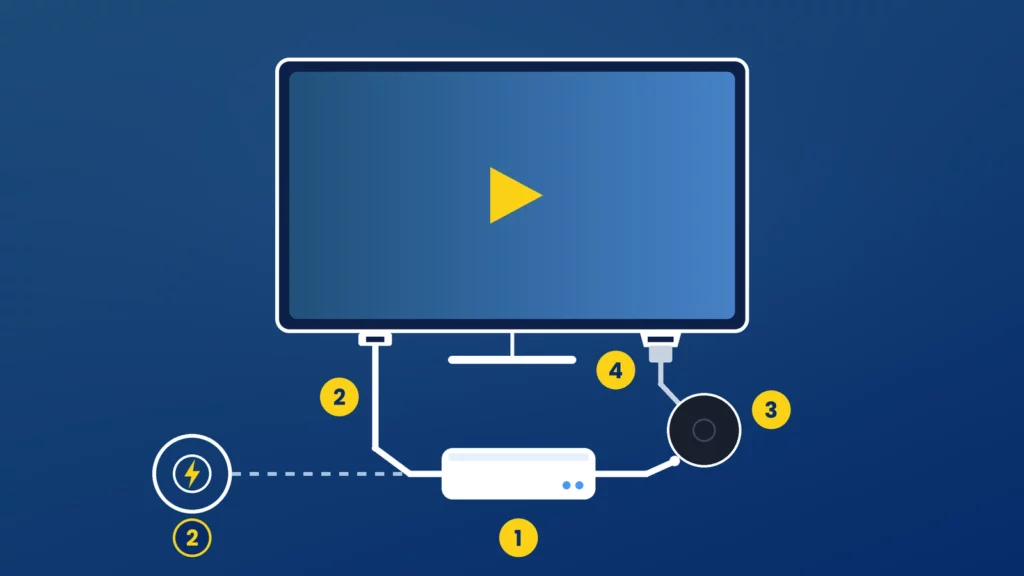
Installation in four steps
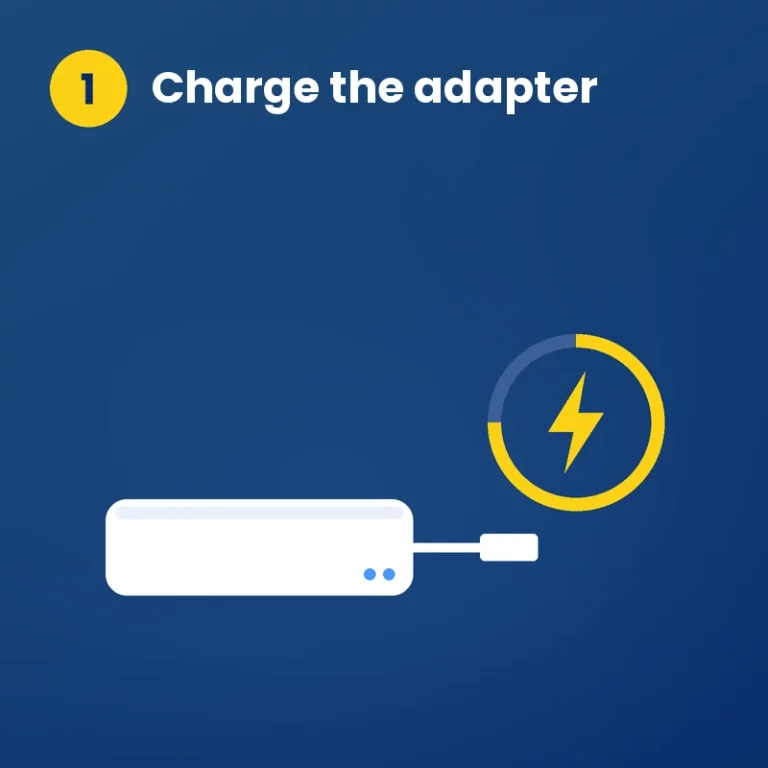
1 Charge the adapter
About 60 minutes before first use. It is delivered charged, but a full charge is recommended.
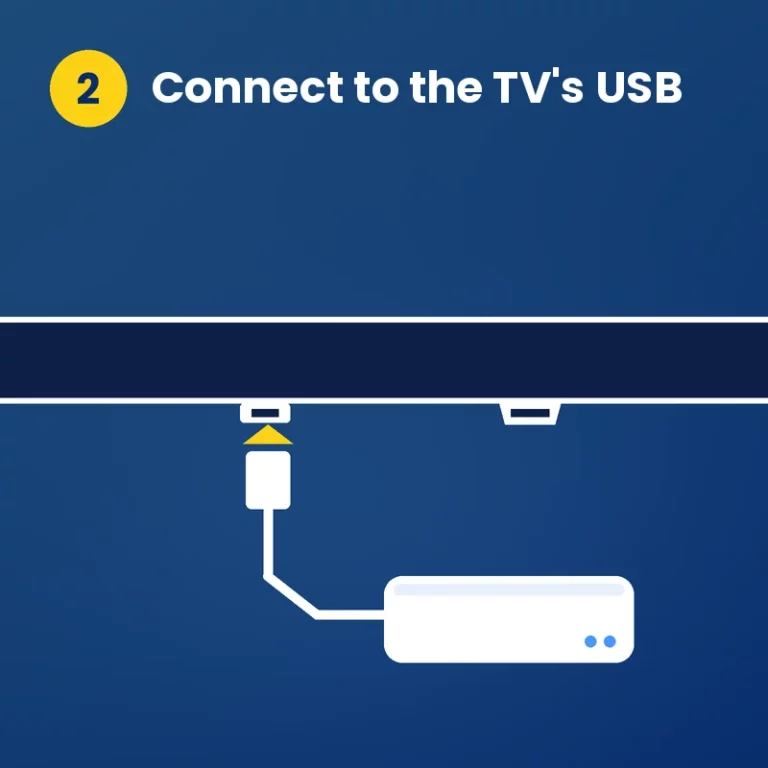
2 Connect to the TV's USB
Plug the adapter's USB connector into a USB port on the TV, or into a 12V USB charger.
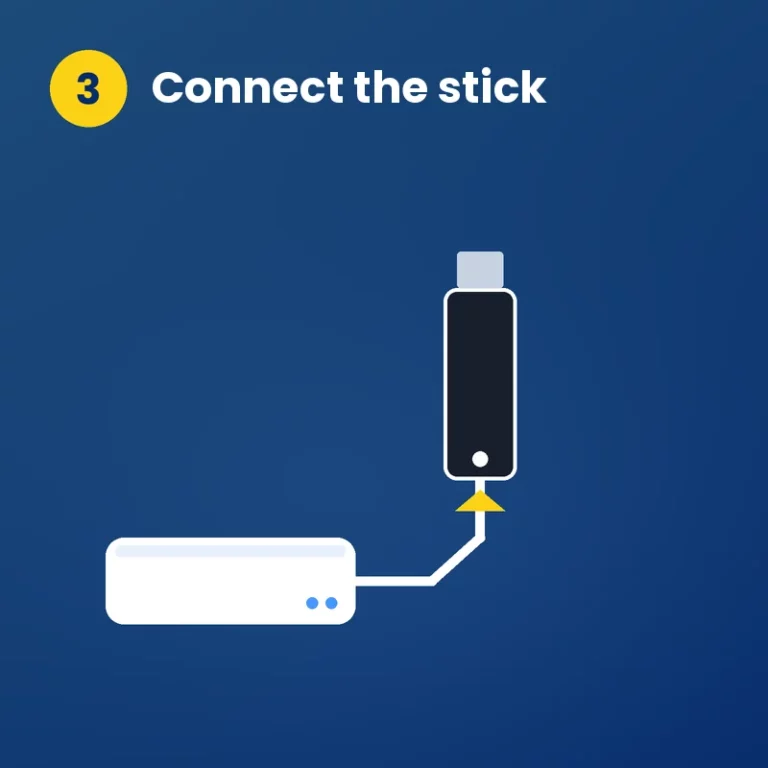
3 Connect the stick
Connect the stick's power cable to the adapter and plug the stick into an HDMI port.
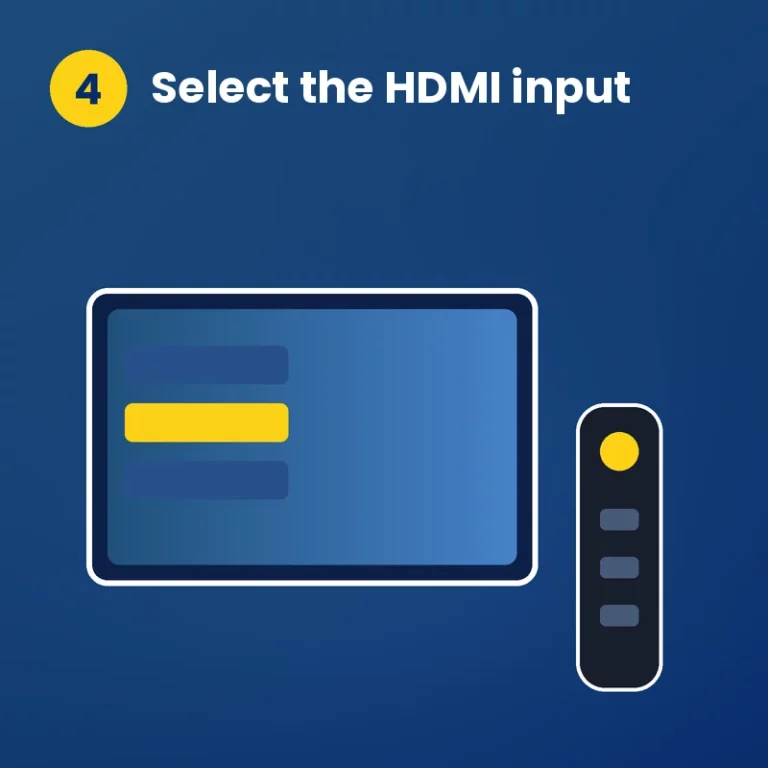
4 Select the HDMI input
Choose the right input with the TV remote. Done.
Built for life on 12 volts
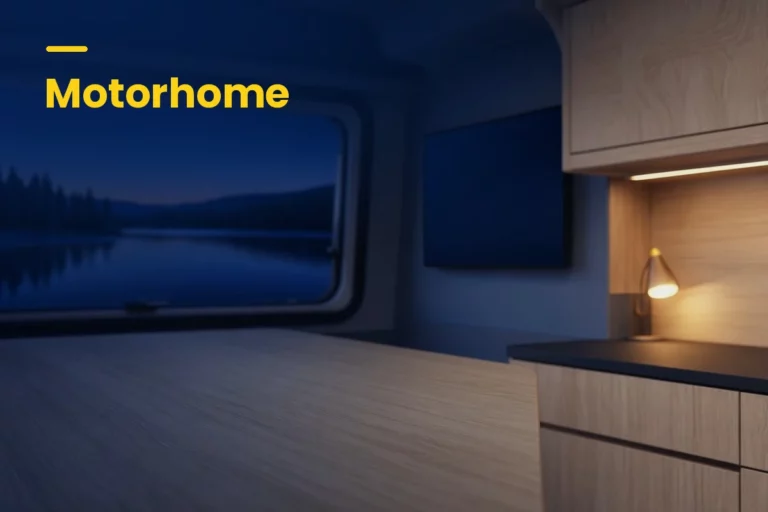
Motorhome
The stick gets power from the TV or the 12V socket.
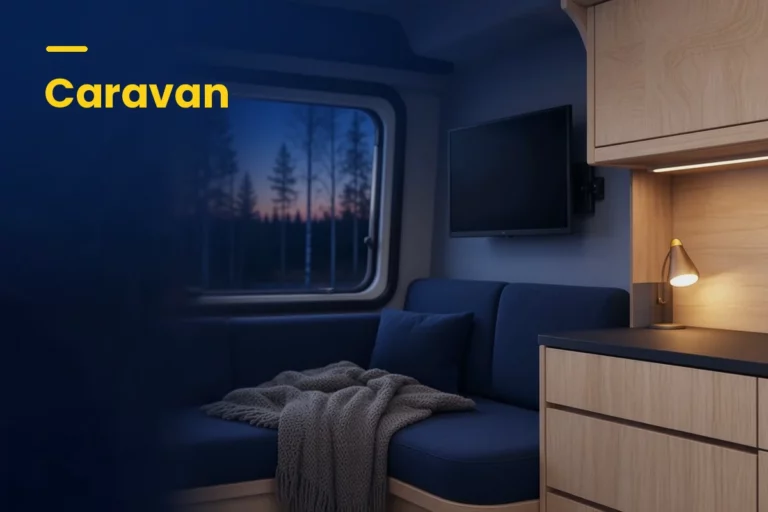
Caravan
No need for a 230V socket next to the TV.
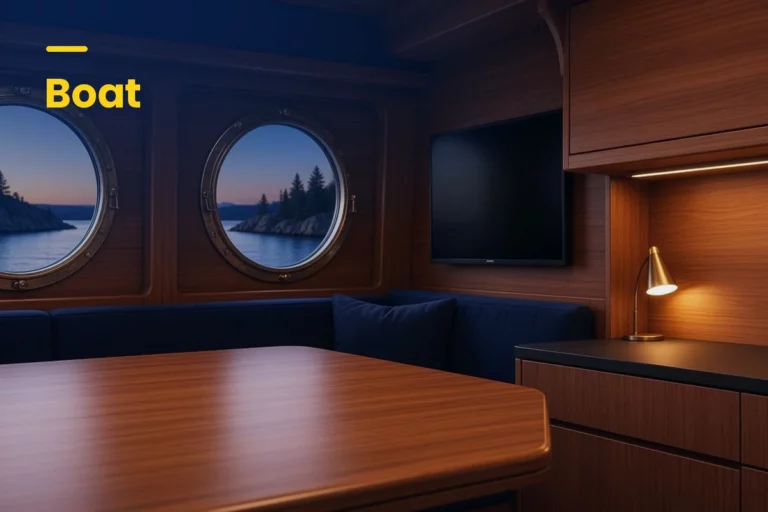
Boat
Streaming on board from the boat's 12V system.
At home
One cable less behind the wall-mounted TV.
Frequently asked questions
Which Chromecast models are tested?
Chromecast, including older models, and Chromecast with Google TV. The latter has its own page.
Can I cast in my motorhome without 230V?
Yes. The adapter powers the Chromecast from the TV's USB or a 12V USB charger. Your phone and the Chromecast need to be on the same wifi.
How much is the power adapter for Chromecast?
€35 incl. VAT at Wifi.se. It is the same power adapter for every stick we have tested.


