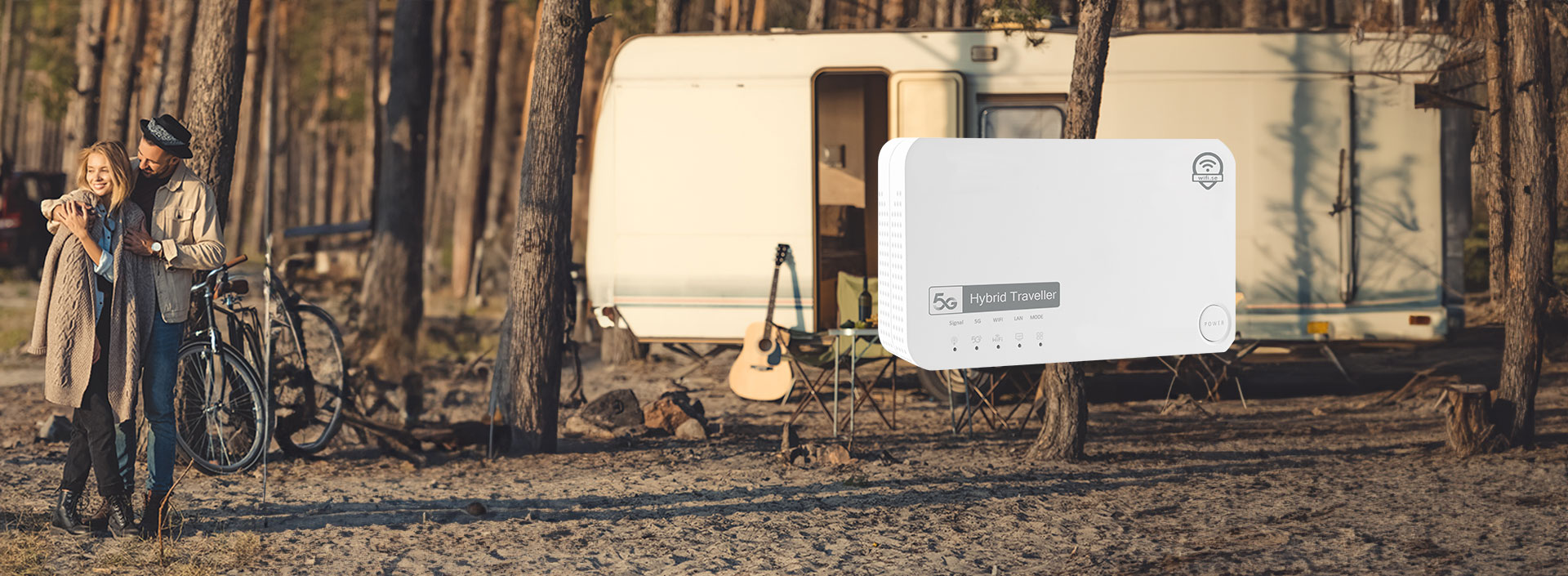
New 5G router with self-made roof antenna - For those who want the fastest and most stable system you can buy. Caravan Router has developed a new 5G router with an associated roof antenna. The antenna is IP68 certified, which means that it is of the highest quality and is specially adapted for this router. The 5G antenna has a total of six cables, four 5G cables and two WiFi cables. The measurement results for the router with this antenna are incredible, it is not unusual to get downloads of over 400 Mbit/sec via Wifi.

Hybrid Traveller

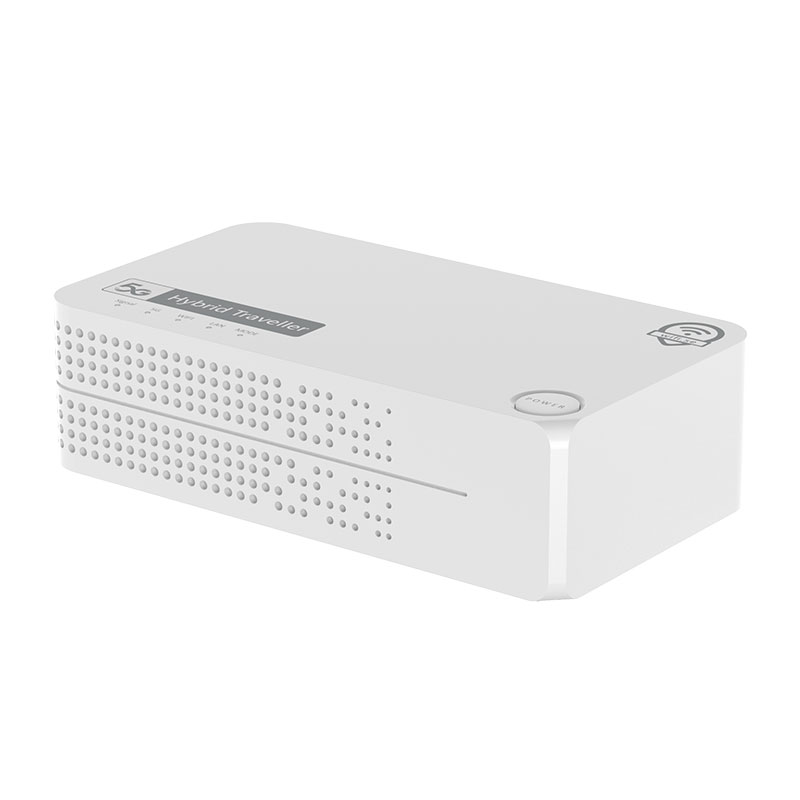
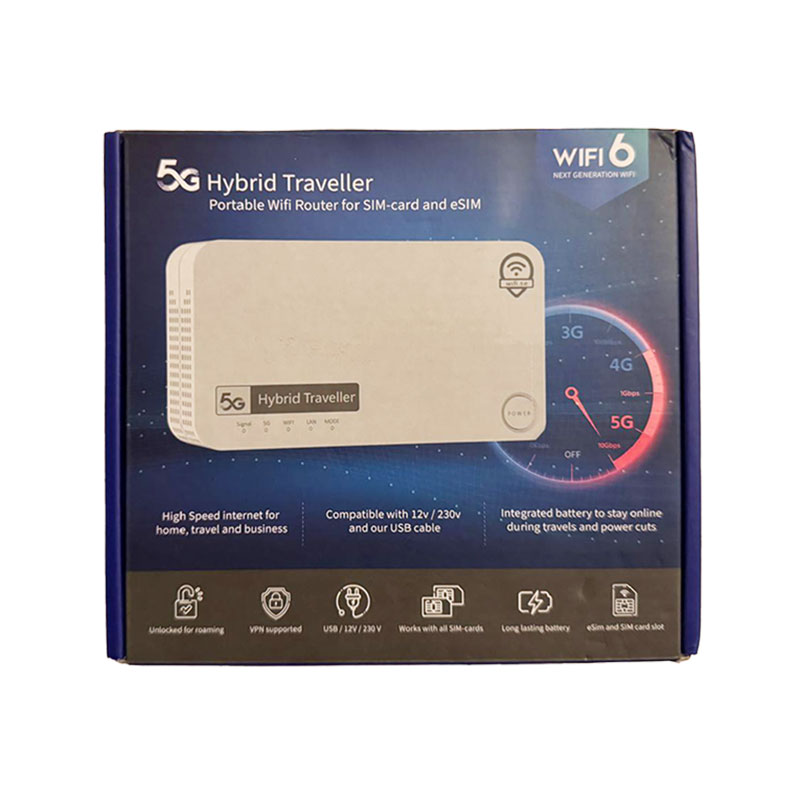
5G Hybrid Traveller, the latest innovation in mobile connectivity, designed and manufactured by us to meet the demands of modern travellers. Whether you’re at home, on the road in your motorhome, or exploring new destinations in your caravan, this 5G router ensures you’re always connected, no matter where your journey takes you.


5G Hybrid Traveller

5G Hybrid Traveller. The router for a motorhome, caravan or boat for those who want the best. Don’t forget to order SIM cards separately.

Hybrid Traveller
Hybrid Traveller

Fast 5G connection

Experience the lightning-fast speed of 5G technology with the 5G Hybrid Traveller. This router is designed to deliver superior internet performance, allowing you to stream, work and stay connected without interruption. With the power of 5G, you can enjoy seamless browsing, high-definition video conferencing, and fast downloads, even in remote locations.

Frequently asked questions

When the router is powered on, press the reset button for 3 seconds until the indicator starts flashing. After about 60 seconds, the indicator will stop flashing, which means that the router has completed the reset.

Reset the router to factory settings and use the default Wi-Fi password and login credentials.

  • Make sure the SIM card is correctly inserted.
  • Check that your SIM card is active.
  • Make sure the router is turned on.
  • Check that the power light on the router is on.

  • Check if your SIM card is active.
  • Make sure there is mobile coverage in your area.

If the 5G light is green, the 5G network is connected.

  • Make sure your computer is connected to the router via an Ethernet cable or Wi-Fi.
  • Make sure your computer is set to automatically obtain an IP address and DNS server address.
  • Restart your browser or try a different browser.
  • If the problem persists, reset the router to factory settings.
  • Restart your computer.